A local dashboard you own, or another subscription app?
Another tracker usually means another app, another login and often another monthly fee. A kit works differently. Here is what you own when you use one, and what you do not.
How many tracker apps work
Many apps keep your data on the company's servers. You see it through their app, in the ways their app allows. The Ink & Switch essay on local-first software describes this well: when all access to your data goes through a provider's server, the provider decides what you can do with it.
That is fine for plenty of things. It is worth a thought when the data is your budget, your family schedule or your sleep notes.
What "local" means in a kit
- Your data is kept in plain
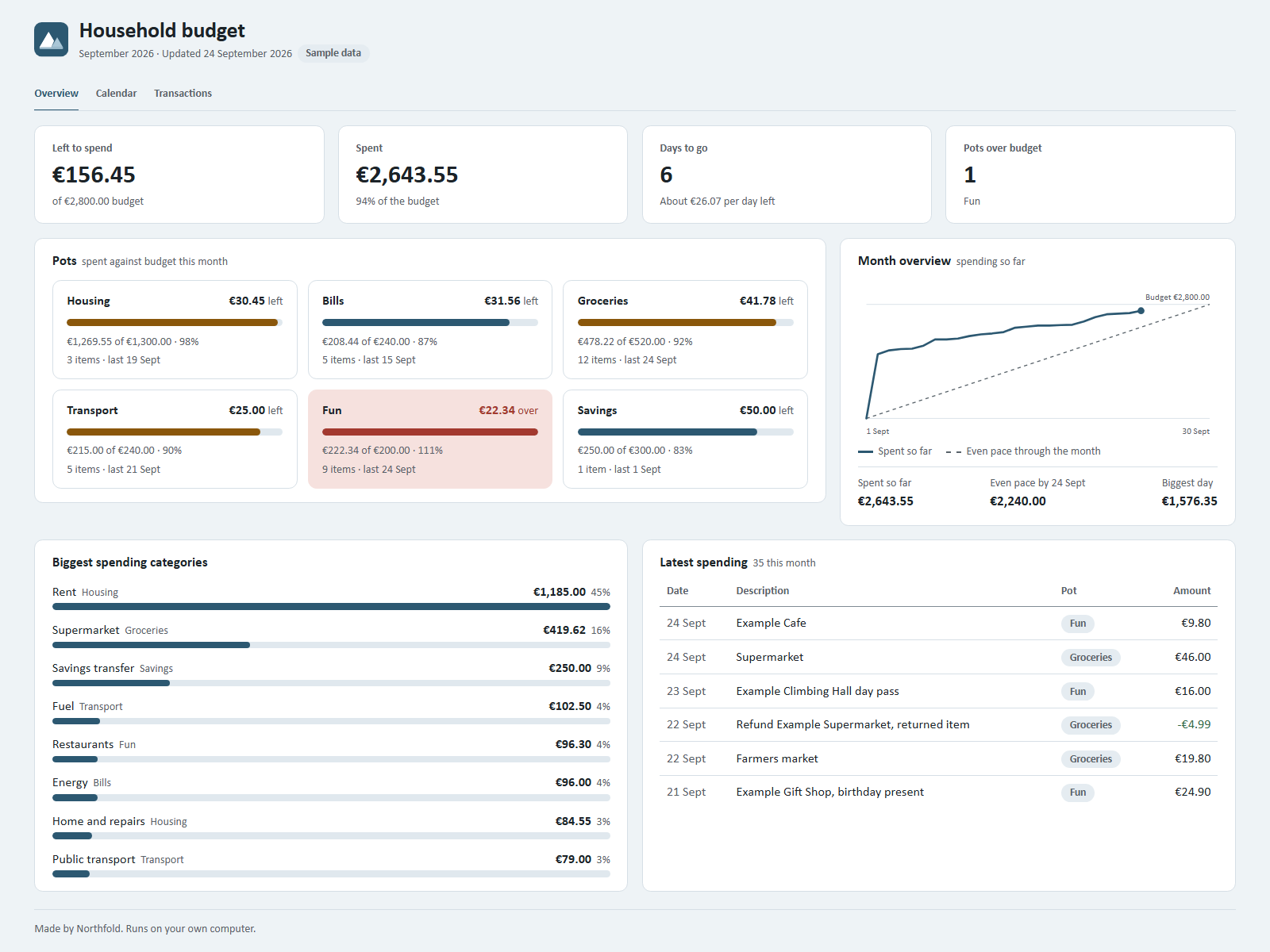
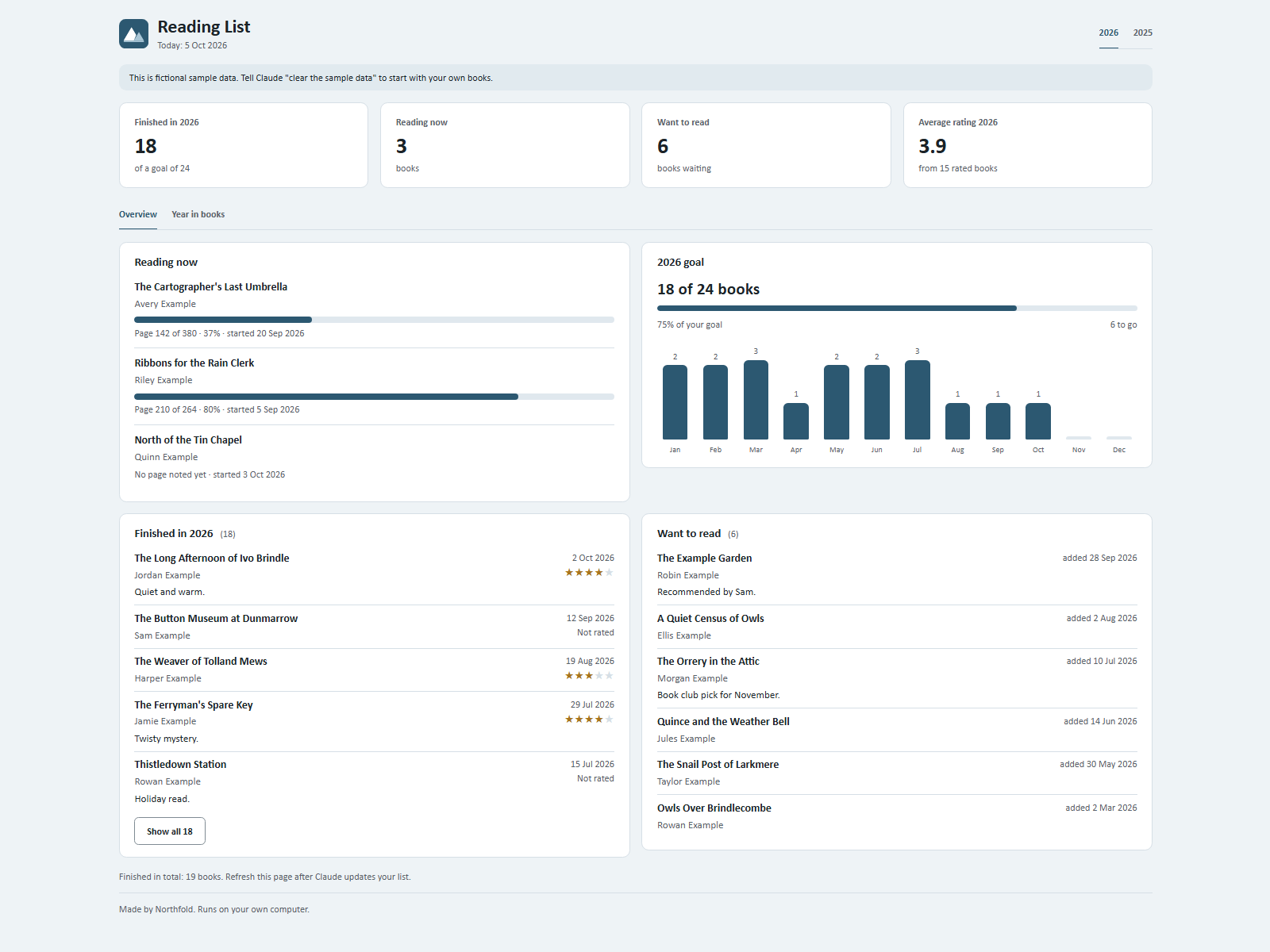
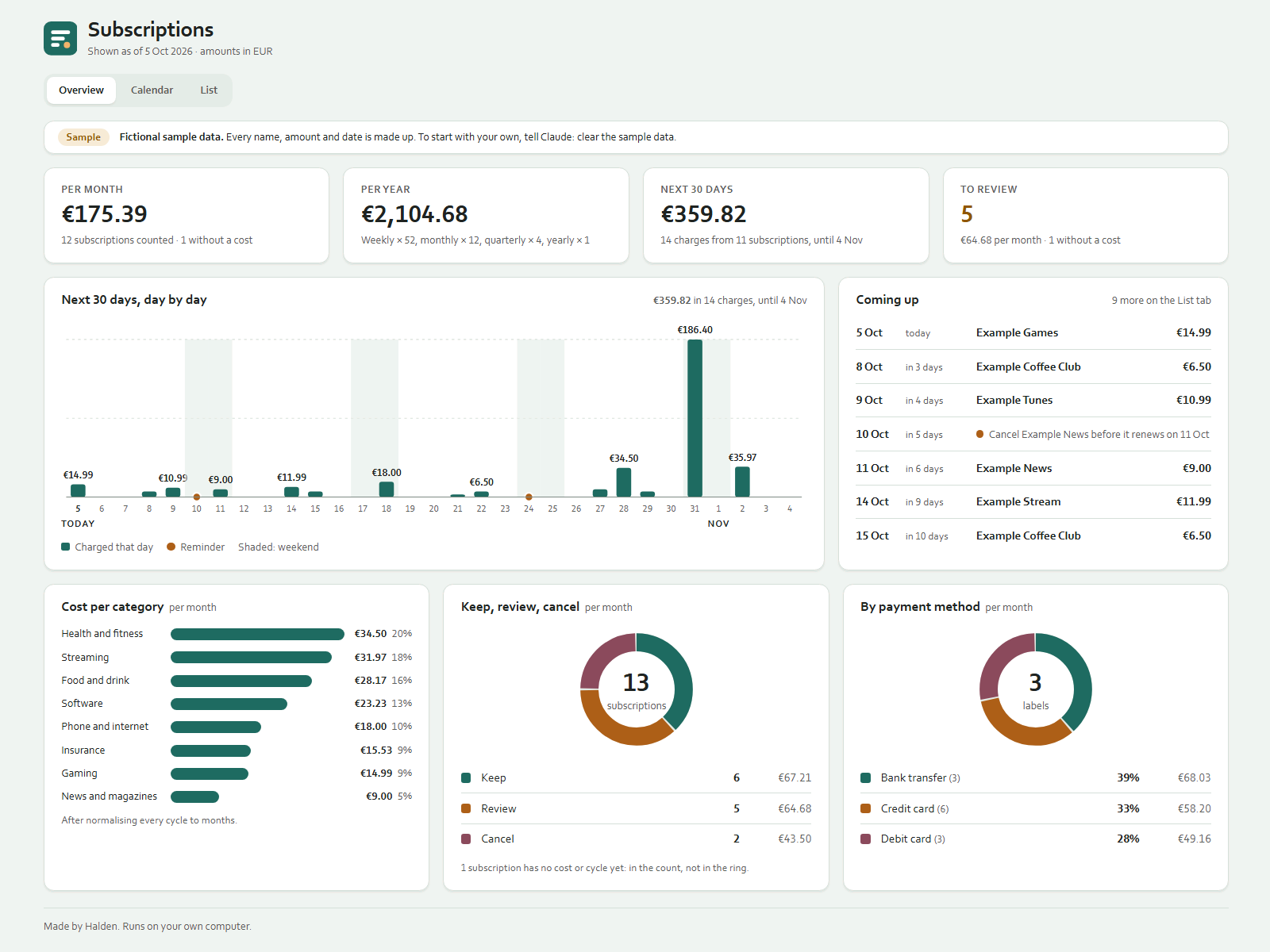
.jsonor.csvfiles, in a folder you choose on your computer. - The dashboard is one HTML file in that same folder. Kits on Ownkit must not make network requests from the dashboard, so it opens without an internet connection.
- The rules and skills are text files. You can open and read every one of them.
- Ownkit only delivers the zip. It cannot see inside your system.
What still goes over the internet
This part matters, so here it is plainly. When you talk to Claude, your messages and what Claude reads to answer them are processed by Anthropic. Anthropic's documentation says Claude Code runs locally, and sends data over the network to talk to the model, including your prompts and the model's outputs, encrypted in transit (Data usage).
The same page explains your choices. On Free, Pro and Max accounts you decide whether your data may be used to improve future models, and you can change that setting at any time. If you do not allow it, Anthropic states a 30-day retention period; if you do, five years.
So the files and the dashboard stay on your computer. The conversation goes through your own Claude account, under Anthropic's terms. Check those privacy settings once and choose what suits you.
Your files, your way
Because everything is plain files, you have options a closed app does not give you:
- Open the data in any text editor, or import a CSV into a spreadsheet.
- Back it up the way you already back up: an external drive, your own cloud folder, or both.
- Copy the folder to another computer and open it there in Claude.
- Stop using the kit, and the files simply stay where they are.
The dashboard also does not depend on Ownkit's servers to open. It is a file on your computer, so it still opens in your browser if you never visit Ownkit again. Updating it by talking needs Claude.
No Ownkit subscription
You pay once for a kit, from €2.99 to €19.99, or nothing for the free Reading List kit. Ownkit does not charge a monthly fee.
What does cost money is Claude itself. Kits run in Claude Code, which the pricing page lists as not included in the Free plan (Claude plans). Every kit page shows this next to the buy button, so you know before you pay.
The trade-offs
A local kit is not the right tool for everything. Here is what you give up:
- No built-in sync. The kit lives on the computer where you set it up. If you want it on a second device, you move or sync the folder yourself.
- No shared login. One person keeps the system up to date through Claude. Others see the dashboard on that screen, or what you choose to share.
- Backups are your job. Nobody else keeps a copy for you.
- You need the Claude desktop app with a paid plan.
The local-first essay lists working across devices and working together among its ideals, next to ownership and control. A kit covers ownership and offline viewing. It does not try to be a sync service.
When a kit fits
- The data is personal and you would rather keep it in your own folder.
- You already use the Claude desktop app on a paid plan.
- You prefer typing what happened over filling in forms.
- You want a dashboard that still opens when you are offline.
Good places to start: Budget Tracker to see what is left in every pot, Subscription Tracker to see every subscription and its monthly cost, Sleep Diary for your nights, or Workout Tracker for your training weeks.
New to kits? Read what an AI kit is, then how to install one.
Sources
- Local-first software: you own your data, in spite of the cloud, Ink & Switch, 2019. Read on 5 October 2026.
- Data usage, Claude Code Docs, Anthropic. Read on 5 October 2026.
- Plans and pricing, Claude, Anthropic. Read on 5 October 2026.